

AI platforms that use multiple models are now very common. Almost every week, a new one appears, claiming to offer access to many AI models in a single location.
However, honestly, most of these are simply basic interfaces that connect to existing AI services. They don't offer any extra benefits, like remembering past conversations, actual image changes, or the ability to compare different models. They are often just chat programs that end up being more expensive than using the original AI services on their own.
The five platforms listed here are different. Each one provides a special advantage. While none are flawless, each one addresses a specific issue that other platforms typically ignore.
How We Chose Them
When choosing an AI platform that uses many models, five key things are important:
- Variety of models - it's not just about the number of models available, but if they include popular ones like GPT, Claude, Gemini, Grok, and newer open-source options such as Llama and DeepSeek.
- Shared memory - Can you move between models like Gemini and Claude within the same conversation, and the AI still remembers your previous discussion? Many platforms fail at this.
- Support for different types of media - Does it only work with text, or can it also handle pictures, videos, and sound? A real multi-model platform should be able to do more than just text conversations.
- Special tools - such as a way to compare models, using your own documents to get answers (RAG), actual image changes, and collections of prompts. These are features you can't get by simply opening different browser tabs for each AI.
- Clear pricing - meaning no confusing credit systems where, for example, creating one image uses up 50 tokens, and you only learn this later. Free versions should truly allow you to try out the service.
1. Cabina.AI
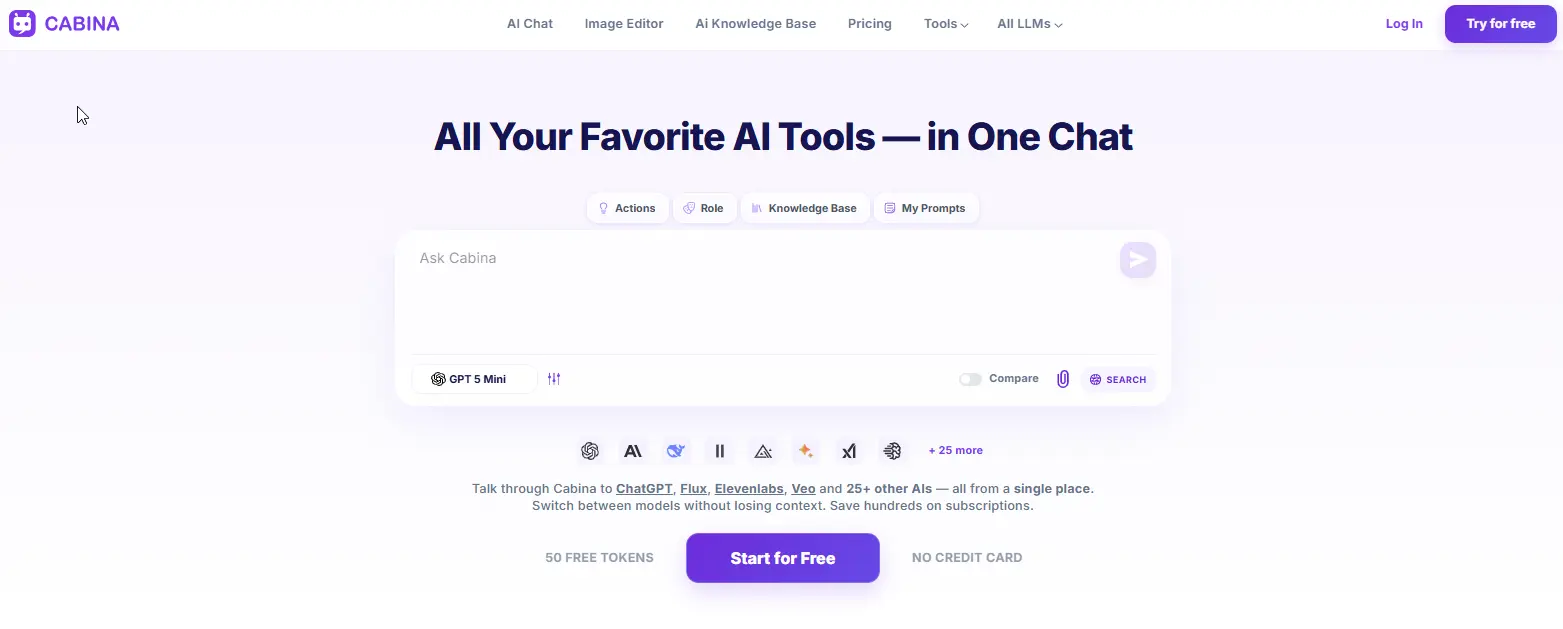
Cabina.AI is a complete platform where you can work with text, pictures, videos, and sounds, and it keeps track of your ideas. It lets you use many important AI tools, such as ChatGPT, DALL-E, Midjourney, and ElevenLabs. What makes Cabina.AI special is how it remembers what you're doing. You can start an idea using one AI tool, then easily switch to another for a different kind of media, like going from writing to making an image to creating a video, all within the same chat, and the AI will remember your earlier conversation.
It also has a way to compare results, so you can see answers from two AI tools next to each other to help you pick the best one. A unique part of it is RAG (Retrieval Augmented Generation) for whole folders of documents. You can upload many documents, and the AI will learn from only that information to answer your questions, which helps avoid giving wrong details. For pictures, you can use the Magnific upscaler directly within the platform to make them clearer and add small details without needing another program. If you want to improve your prompts before generating anything, you can do that too by clicking the link to the prompt generator tool.
Key features
- 20+ text models - GPT, Claude, Gemini, Grok, Llama, Mistral, Qwen, DeepSeek.
- 10+ image models - DALLE, Flux, Ideogram, Midjourney, Stable Diffusion, Leonardo, Recraft.
- 7+ video models - Hailuo, Lumalabs, Pika, Runway, Veo, Vidu.
- Audio models - ElevenLabs, Google Audio, Whisper.
- Shared context across all models and media types.
- Compare mode - see two models side by side.
- RAG on entire folders - upload hundreds of documents, chat with your data.
- In-Painter - real image editing: remove objects, expand, upscale, variations, sketch to image.
- Humanizer tool - rewrite AI text to sound human.
- Prompt generator & enhancer - turn a few words into a professional prompt.
- Free prompt library - save and reuse your best prompts.
- Folders - organize chats by project.
- Team access - share tokens across a team.
Pros
- One subscription covers text, image, video, and audio.
- Pay-as-you-go from $3 means no lock into a monthly plan.
- Shared context across models actually works — this is rare.
- Image editor is genuinely useful, not a checkbox feature.
- Humanizer tool is a nice bonus for marketers and writers.
Cons
- Free plan gives 100 tokens and daily bonuses — enough to test but not for heavy use.
- Some advanced models (like Midjourney) require credits per generation.
- Interface isn't as polished as ChatGPT's — it's functional, not beautiful.
Pricing
- Free: 100 tokens..
- Pay-as-you-go: top up from $3.
- Monthly subscription: from $4.99.
- Yearly: from $4.72/month (billed annually).
2. Grok AI
Grok is the AI assistant made by xAI, the company started by Elon Musk. Its style is unique compared to other AIs like ChatGPT or Claude; it's less formal, more direct, and sometimes uses sarcasm.
What makes Grok special is its ability to get information right away. It collects live updates from X (which used to be Twitter) and the internet, making it feel quicker than other AI models. If you ask about a recent news story, Grok will show you what people are saying on X at that moment, along with details from other standard sources.
Grok also has an "unfiltered" setting that eases some of its rules for content. It's not completely free
Key features
- Real-time X integration - pulls live posts and conversations into responses.
- Web search - finds current information from across the internet.
- "Unhinged" mode - fewer content filters, more direct personality.
- Image generation - basic, built into the chat.
- File upload - images and PDFs for analysis.
- Voice input - on mobile apps.
Pros
- Best-in-class real-time information from X.
- Different personality — less robotic than ChatGPT.
- Unhinged mode offers more latitude for certain topics.
- Free tier gives you real access, not just a teaser.
Cons
- Only Grok's own models. No access to Claude, GPT, or Gemini.
- Image generation is weak compared to Flux or Midjourney.
- No video, no audio.
- X Premium (formerly Twitter Blue) required for some features.
- The "unhinged" label is marketing — it's not that different.
Pricing
- Free: limited messages per day (requires X account).
- X Premium: ~$8 - 16/month includes more Grok access.
- Grok standalone: pricing varies, check current rates.
3. Anakin.ai
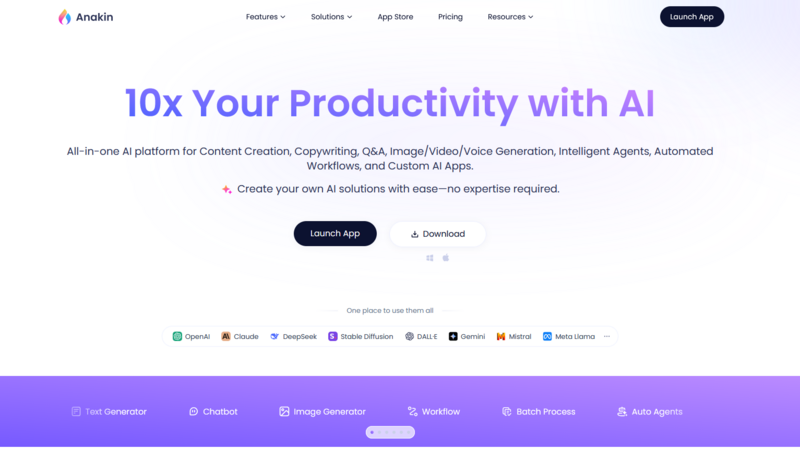
Anakin.ai stands out as the top choice for advanced users among the listed multi-model AI platforms. While it may not look attractive or be easy to use, it offers unmatched adaptability compared to others.
Consider Anakin.ai as a combination of AI and automated tools that don't require coding. You can build step-by-step processes, such as taking a YouTube video, turning its audio into text, having Claude summarize that text, and then sharing the summary on Notion - all without writing any code.
It provides access to over 20 different AI models, including GPT, Claude, Gemini, Llama, and Mistral. You can perform tasks in bulk, applying the same request to a hundred different items, and work together with a team.
However, it takes a lot of effort to learn how to use it. This platform isn't for quick questions. Its interface is crowded, and new users often find it confusing. Also, it doesn't have built-in image or video creation; you have to link other services yourself.
Key features
- 20+ models - GPT, Claude, Gemini, Llama, Mistral, and others.
- Workflow builder - drag and drop to connect steps.
- Batch processing - run the same prompt across hundreds of items.
- Team collaboration - shared workspaces and permissions.
- API access - connect your own keys or build custom integrations.
- Prompt templates - save and reuse complex prompts.
Pros
- Extremely flexible. You can build almost any automation you can imagine.
- Great for repetitive tasks and batch operations.
- Model selection is solid and up to date.
- Team features are genuinely useful for agencies and startups.
Cons
- Steep learning curve. Not for casual users.
- Interface is cluttered and intimidating at first.
- No built-in image or video generation — you need to connect external APIs yourself.
- Free tier is very limited.
Pricing
- Free: limited workflows and runs.
- Pro: from $14.99/month.
- Team: from $49.99/month.
- Enterprise: custom pricing.
4. Gamma
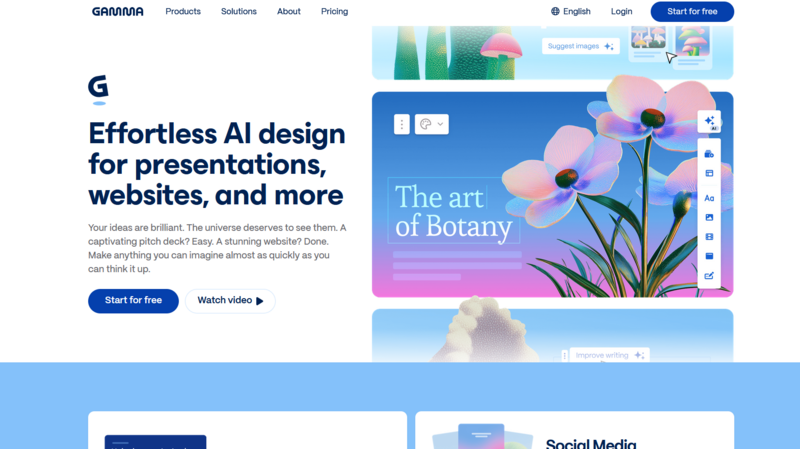
Gamma stands apart from the other platforms mentioned. It's not primarily a chat-based tool, but rather an AI-powered creator of presentations and documents that utilizes several different AI models internally.
You can enter a simple command, such as "make a presentation about renewable energy trends in 2026," and Gamma will quickly produce a full slide deck, complete with text, pictures, and basic designs. You can then make changes to everything by hand.
This feature also applies to documents, web pages, and newsletters. Gamma refers to these as "cards"—a single format that can be adapted for presentations, documents, or websites.
Gamma uses AI models like GPT, Claude, and Gemini to create content. However, you don't choose which one to use; the platform automatically selects the best model for your specific task.
Key features
- AI presentation generator - prompt to slide deck in seconds.
- Document & webpage generation - same format works across types.
- Editable output - change text, images, layouts after generation.
- Built-in image search - finds relevant visuals automatically.
- Templates - professional designs for different use cases.
- Team collaboration - share and edit together.
- Analytics - see who viewed your presentations.
Pros
- Extremely fast for creating presentations and documents.
- No design skills needed — output looks professional out of the box.
- Free tier covers basic needs.
- Great for students, consultants, and business teams.
Cons
- Not a general-purpose multi-model platform.
- No manual model selection — you can't choose between GPT, Claude, or Gemini.
- No image generation — it searches for existing images instead.
- No video, no audio, no RAG.
- Limited control over the final output compared to manual creation.
Pricing
- Free: limited presentations and documents with watermarks.
- Pro: from $8/month (billed yearly).
- Teams: from $30/month per user.
- Enterprise: custom pricing.
5. Merlin
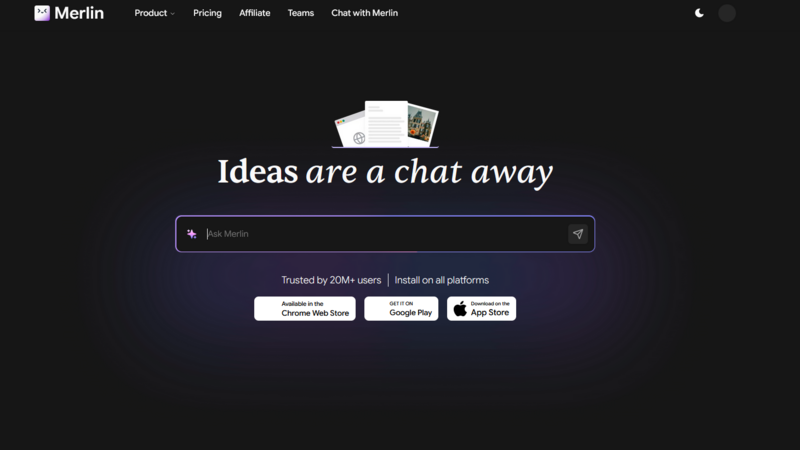
Merlin is a browser-based AI assistant that lets you easily work with text on any webpage. You can highlight text from articles, PDFs, or YouTube videos, then use a quick keyboard shortcut to summarize, translate, explain, or rewrite it. This core function works very well.
Merlin integrates various AI models like GPT, Claude, Gemini, Llama, and Mistral into a single chat interface. You can switch between these models, upload files, and even create simple images.
Key features
- Browser extension - works on any webpage with a shortcut (Ctrl/Cmd + M).
- Multiple models - GPT, Claude, Gemini, Llama, Mistral.
- Summarize anything - articles, PDFs, YouTube videos, emails.
- Chat with webpages - ask questions about the page you're on.
- Custom assistants - create and save bots for specific tasks.
- Image generation - basic, not competitive with Flux or Midjourney.
- File upload - PDF, DOCX, TXT, images.
Pros
- Very accessible. Works right where you already browse.
- Great for quick tasks: summarize, rewrite, explain, translate.
- Free tier is actually usable for light work.
- Keyboard shortcuts make it fast.
Cons
- Shared context is weak. Switching models often resets the conversation.
- Image quality isn't competitive with dedicated tools.
- No video generation.
- Pricing gets confusing — "credits" for advanced models make it hard to guess monthly costs.
Pricing
- Free: limited daily uses.
- Pro: from $15/month (billed yearly).
- Unlimited: from $30/month.
- Teams: custom pricing.
Final Thought
In conclusion, which of these AI platforms, capable of handling various data types, should you actually use?
If you want current news from X (formerly Twitter) and prefer an AI that is less restricted in how it talks, Grok might be worth exploring. However, it's not a multi-model platform in the usual sense.
The field of multi-model AI is still new. Many platforms are just simple interfaces for other AI tools. However, a few, especially Cabina.AI, are actually creating special features you won't find anywhere else, such as shared understanding across different media, real image editing, and searching through entire folders of information.
Begin by using a free version. Test how it shares information across different media and its comparison feature. See if the platform stops you from having to switch between many different tabs. If it helps, keep using it. If not, stick with one or two individual services.
Because in the end, the main goal isn't to gather many AI tools. It's to finish your work more quickly.
